Guide
Documenting hours by project
If you only note daily hours, you won’t know in the end where the time went. If you document hours by project, you see right away what a job really cost – and you can quote future jobs more accurately.
Here is how:
- Set a structure: customer → project → time entry. That is usually all you need.
- Name things consistently: “Miller – roof renovation” instead of “roof” or “site 2”.
- Log time right away: at the end of a work block, not at the end of the week.
- Describe briefly: what was done? This helps with follow-up questions.
- Review regularly: which projects take more time than planned?
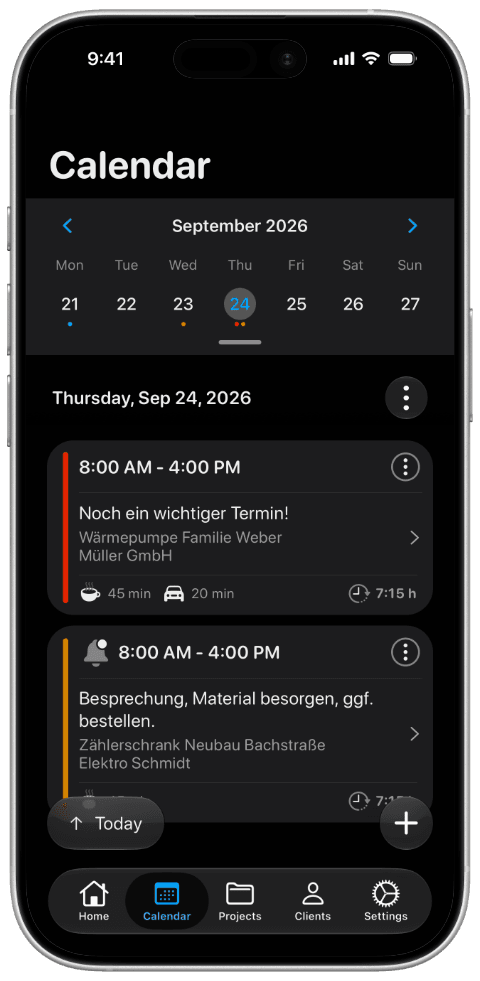
In Craftlog, customers, projects and working hours are linked this way from the start. You create the project, track time – and everything is where it belongs. With the Pro version you can export a project’s hours as PDF or CSV.