Use case
Time tracking for the self-employed – hours per customer and project
The problem
Your time is your capital. But when you serve several customers at once, you often reconstruct hours after the fact – imprecisely, and with the feeling that you forgot something.
How it works in Craftlog
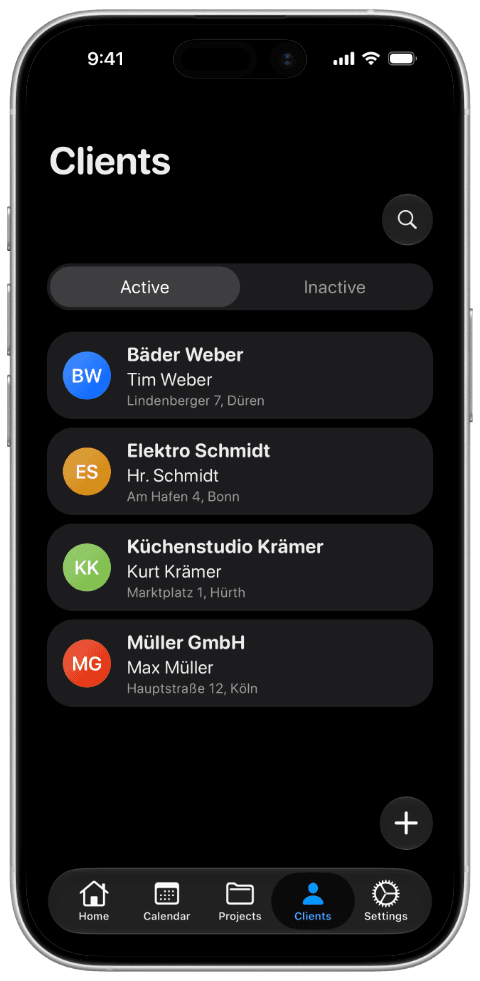
- Create customers and projects.
- Track working time with the timer or by manual entry and assign it to the right project as it happens.
- Collect photos, scans and documents directly on the project.
You can see at any time how much time went into which project – without maintaining spreadsheets. With the Pro version you can export your hours as PDF or CSV, per project or per month. Your data stays on your device.