Guide
Project documentation with the iPhone
Good documentation protects you in case of complaints, makes acceptance easier and saves questions. With an iPhone you need nothing more.
Taking photos properly
- Start with an overview, then add details (e.g. connections, rating plates).
- Photograph before and after.
- Watch the light; if needed, put a tape measure or a note in the frame.
Scanning documents cleanly
- Place them on a flat, dark surface with good lighting.
- Capture the whole sheet without cropped edges.
- Scan delivery notes, acceptance reports and signatures right on site.
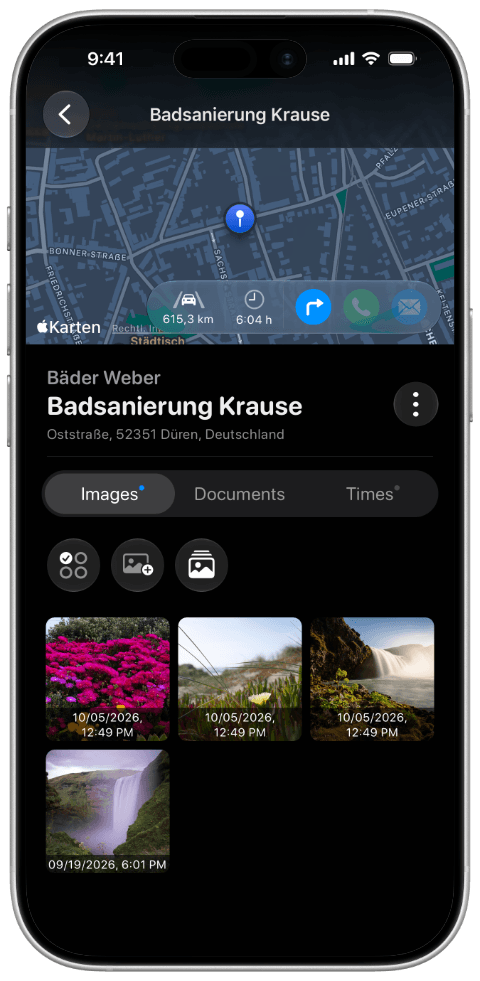
Craftlog stores photos and scanned documents directly in the project – next to the tracked working hours. Scans are stored as PDFs under the “Documents” tab, photos under “Photos”; both can be shared straight from the app.