Guide
Tracking working hours on the iPhone
Your iPhone is always with you – ideal for recording working hours exactly when they happen. These habits turn a chore into a routine:
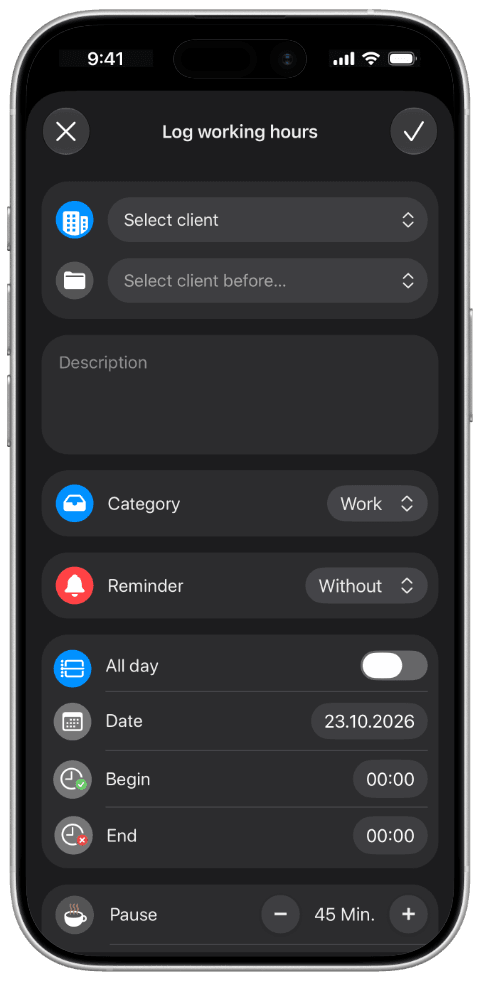
- Record immediately, not on the weekend. The longer you wait, the vaguer your memory gets.
- Assign time to a project. “Worked 8 hours” says little; “3 hours on the Miller bathroom” says everything.
- Add a short description. A short description of what was done saves questions later and helps with the analysis.
- Don’t forget breaks. They belong to an honest picture of a working day.
- Review once a week. Five minutes on Friday catches gaps.
A notes app or spreadsheet is enough at first. With several customers it gets messy. Then a tool that keeps hours, customers and projects together helps. That is exactly what Craftlog is made for: record time with the timer or manually, assign it to the project, done. With the Pro version you can predefine working and break times per weekday, so the entry form is already filled in.