Use case
Time tracking for installers – from job to job
The problem
Changing customers, changing locations, often several jobs a week. Hours, photos of the finished work and the signed delivery note end up in three different places – and have to be pieced together later.
How it works in Craftlog
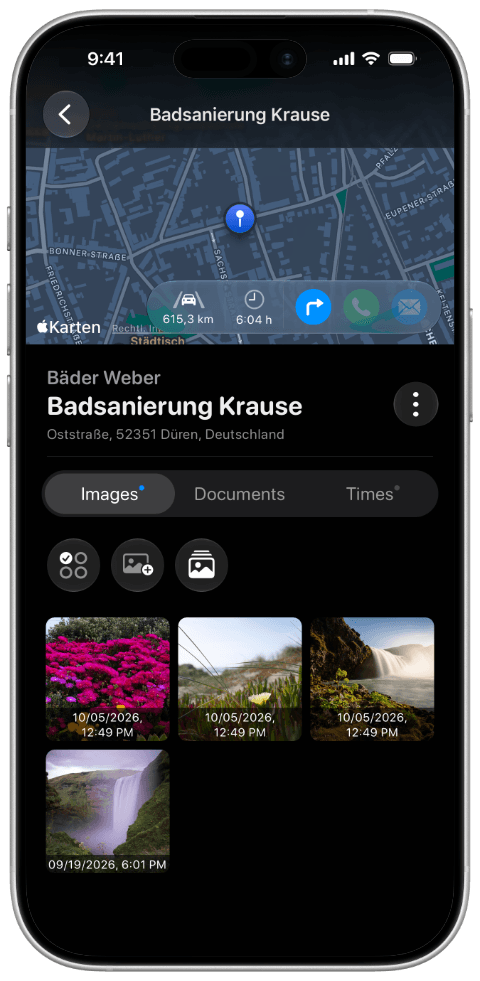
- Create each job as a project under the right customer.
- Track working time on site with the timer or by manual entry, without detours via paper or notes.
- Photograph the result, scan the delivery note or acceptance report – all in the project.
After every job you have hours and proof together before you drive to the next customer. You can share photos and scanned documents straight from the app, for example with the office or the customer.