Use case
Time tracking for tradespeople – right on the job site
The problem
Notes in the van, hours filled in from memory on Friday evening, photos buried somewhere in the camera roll. In the trades there is little time for paperwork – and in the end the details you need for the invoice, proof of work or follow-up questions are missing.
How it works in Craftlog
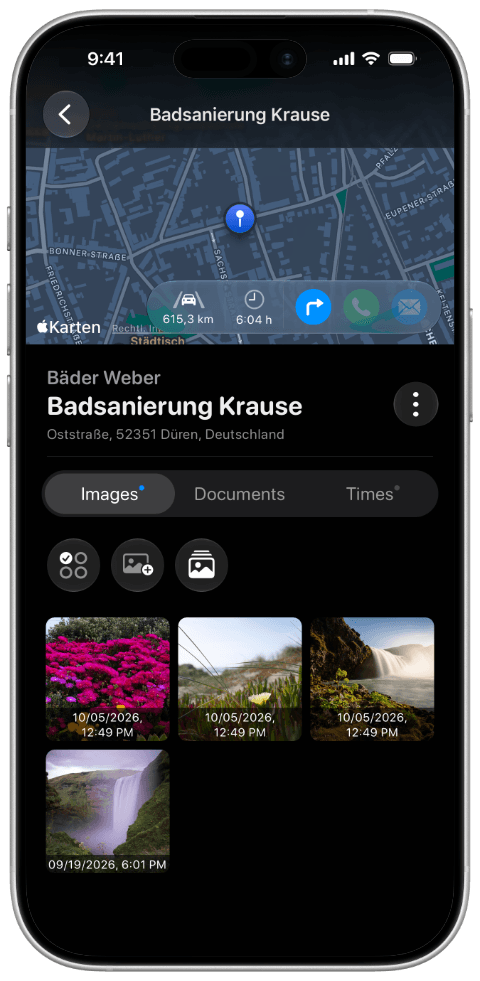
- Create the customer and project once – everything then lives in the right place.
- Start the timer on site or enter hours manually, assigned to the project.
- Take photos and scan documents – also stored in the project.
No more digging things up in the evening: the hours and documentation of a job are in one place. Craftlog works fully offline, even where there is no signal, and your data stays on your device.